
I already have an account and signed in, how can I complete the course registration?
Please follow the steps below to register.
- Go to app.alphastar.academy and sign in using “My Account” button and you will be redirected to sign in page


- Find a course to register

- Click on enroll button and proceeds to registration

- Select a quantity and clicks on “Add to Event Cart” button

- Either click on “View Event Cart” to view the courses added to the cart or click on “Proceed to Registration” to finalize registration

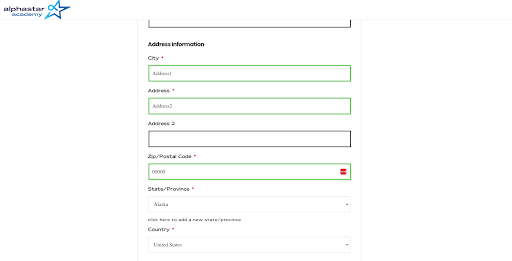
- Since you are already registered to the site and signed in you will be redirected to complete the checkout form by filling it out and making a payment

Note: (Your personal information and Address information will be automatically filled out. The information entered during the first time checkout is saved and autofilled)
- Course registration completed!
Updated on: 14/07/2026
Thank you!